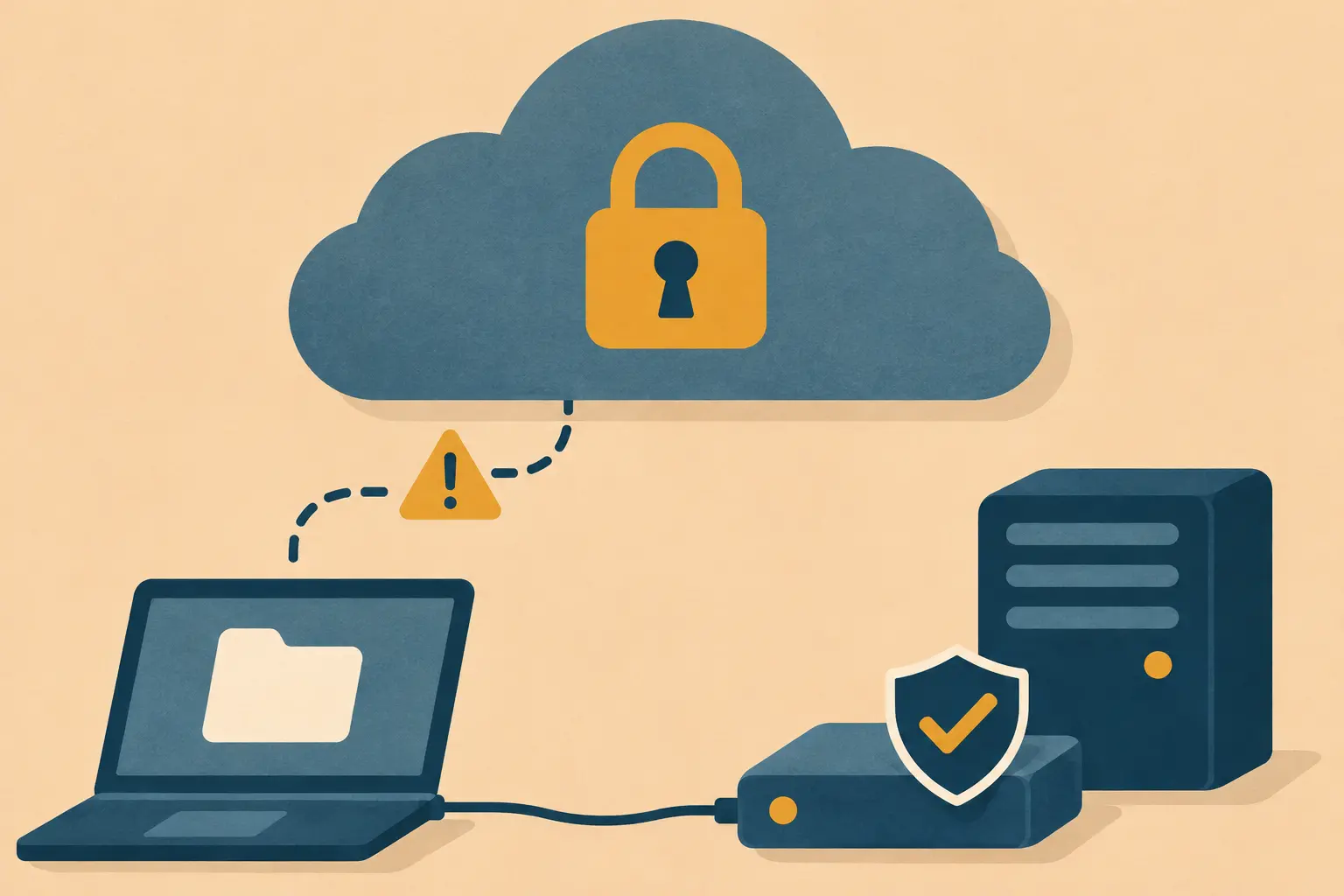
Your data is in the cloud. But does that mean it is secure and always available?
Thu, 19 Nov 2026
More and more companies are moving their email, documents, accounting systems and business applications to the cloud. The reasons are understandable: easier access, less need for their own hardware and the ability for employees to work from different locations.
But one question is often overlooked: what happens to the business when the cloud service stops working?
The major Microsoft outage in November 2026 once again showed how heavily organisations’ day-to-day operations depend on a relatively small number of technology providers.
On 12 and 13 November, users of Microsoft 365 and related services experienced difficulties accessing some of the tools they use every day. Incidents like these can disrupt work even when the company’s information has not been lost.
This does not mean that cloud technologies are a poor choice. It means that using the cloud alone does not guarantee security, uninterrupted access or the ability to recover quickly.
Why are more businesses moving to cloud services?
Cloud solutions offer significant advantages. Not every company needs to buy and maintain its own server for every service. Capacity can grow with demand, and employees can access shared documents and applications from different devices.
When properly designed, cloud infrastructure can provide better protection and reliability than a server maintained in a small office.
Major providers have dedicated data centres, redundant equipment, monitoring systems and information security teams.
Problems arise when a business sees moving to the cloud as a permanent solution to every technical risk.
Responsibility for data and keeping the business running does not disappear when those systems move to an external provider.
Security, availability and recovery are three different things
When discussing reliable IT infrastructure, it is important to distinguish between three key questions.
Data security. Who has access to company information? How are user accounts protected? Could an unauthorised person read, change or delete documents?
System availability. Can employees use their email, documents and applications when they need them? What happens if the internet connection goes down, the provider has a problem or an application stops working?
Data recovery. If files are deleted, corrupted or encrypted by malware, can the company recover the information it needs, and how long will that take?
A service can be well protected against unauthorised access yet temporarily unavailable because of a technical problem. Similarly, a system can operate normally while the company lacks sufficiently reliable backups.
These three areas therefore need to be considered together when planning IT infrastructure.
A real case from Arikt’s work: the email system works, but the application prevents access
During the major disruption to Microsoft services in November 2026, we encountered a problem affecting clients who used the new Outlook for Windows.
The situation at one company was particularly revealing. Some employees used classic Outlook, while others preferred the interface of the new Outlook.
The problem affected only users of the new Outlook, which could not complete the authentication required to access their company mailboxes.
Meanwhile, colleagues working with classic Outlook continued to send and receive email without difficulty, using the same email infrastructure.
This was the key observation: the mail servers were functioning, and the problem concerned how certain applications accessed them.
To keep work moving, the Arikt team promptly switched to a temporary local solution that connected directly to the company’s mail servers using the standard IMAP and SMTP protocols.
This restored access to correspondence for the affected employees.
The case shows that even when company data is available and servers are running, reliance on a particular application or an additional service can prevent access to that data.
This is also an important characteristic of modern applications integrated with cloud services. In some configurations, the new Outlook uses additional synchronisation and connectivity mechanisms through Microsoft’s services, which differ from the traditional direct access used by classic email clients.
The practical lesson is that reliable IT support needs to cover not only servers, but also applications, the dependencies between them and alternative ways of working.
Cloud storage is not the same as backup
One of the most common misconceptions is that files stored in a cloud service are automatically protected against loss.
Many cloud platforms synchronise changes between devices. This is convenient, but synchronisation is not the same as an independent backup.
For example, if an employee deletes an important folder, that deletion may be synchronised across the other devices. Under certain circumstances, malware can modify or encrypt files, and those unwanted changes can reach the synchronised environment.
Some cloud platforms offer version history, a recycle bin and recovery options. These features are useful, but they have specific limitations and retention periods.
Important company information therefore needs a separate backup policy that defines what is retained, how often it is backed up and how it can be recovered.
It is particularly important not only to create backups, but also to check periodically that they can actually be restored.
What happens if the provider is unavailable?
Imagine a manufacturing company that uses a cloud system to process orders and manage stock.
If the service becomes unavailable, employees may be unable to check orders, prepare shipments or obtain up-to-date stock information.
The data may not have been lost. Even so, the workflow is disrupted.
For a logistics company, a similar problem could affect waybills, routes and communication with partners. For a trading company, it could affect sales, customer service and invoicing.
When choosing a cloud solution, several questions therefore need to be answered in advance: can it be used without an internet connection, can the information be exported, is there an alternative way to access it, and what will happen if the provider is unavailable for an extended period?
Excessive dependence on a single provider is another significant risk. If email, documents, user identity services and core business applications all depend on one platform, a single incident can affect several processes at once.
This does not mean that a different provider is necessarily needed for every service. It means that these dependencies need to be understood and managed.
On-premises infrastructure, cloud services or a combination of both?
There is no single right answer for every business.
On-premises infrastructure gives a company greater direct control over its equipment and certain processes, but it requires maintenance, redundancy, security and timely updates.
Cloud services reduce some of these responsibilities and make it easier to expand systems, but they introduce dependencies on external platforms, network connectivity and the provider’s terms.
A hybrid model combines on-premises and cloud resources. For example, a critical production system can remain on premises while other applications, backups or services are used through the cloud.
It is important, however, not to assume that a hybrid architecture automatically solves every problem. It also needs to be properly designed, secured and maintained.
The choice should depend on the business’s actual needs, the amount of downtime it can tolerate, the protection its information requires and the costs of maintenance.
How can a business reduce the risk?
The first step is to identify which systems are critical to day-to-day operations.
The next step is to examine their dependencies: internet connectivity, providers, user accounts, applications, servers and external services.
A well-organised approach includes monitoring infrastructure health, managing access, keeping backups, testing recovery periodically and defining an incident response procedure in advance.
Clearly assigned responsibilities are equally important. Who monitors for problems? Who receives alerts? Who decides on a temporary workaround, and who communicates with employees?
Without such a process, even a relatively limited technical problem can cause a prolonged disruption to work.
This is where comprehensive managed IT support from Arikt brings system administration, monitoring, backups, prevention and incident response together into an organised process within the agreed scope.
The aim is not to promise that problems will never occur, but to detect them promptly, manage risks and give the business ways to continue operating.
Conclusion: where your data is stored matters, but so does how you manage it
Cloud technologies are an important part of modern IT infrastructure and can offer businesses significant advantages.
Moving data to an external provider does not, however, remove the need for technical support, backups, access control and a plan for dealing with problems.
The question is not simply whether your data is on your own server or in the cloud. It is whether you know who is responsible for it, how it is protected and how you will keep working if one of your systems becomes unavailable.
If you would like to assess the dependencies and reliability of your company’s IT infrastructure, you can contact the Arikt team to discuss measures suited to your organisation.


 Call Us